AI Wine Pairing
Let Your Wine List Sell Itself
Enter your restaurant's menu and wine list and the AI engine scores every
wine against every dish using 100+ varietal-specific pairing rules. In
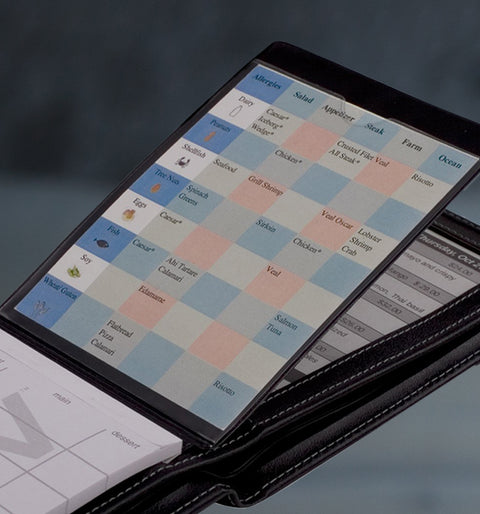
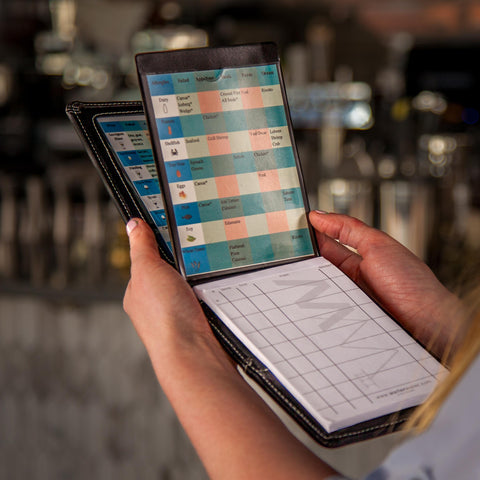
minutes you get a print-ready cheat sheet sized precisely for your Waiter
Wallet clear pockets — ranked by match quality, not price.
How to Use the AI Wine Pairing Tool
Choose your Waiter Wallet model from the size selector in Step 4 to set
the correct print dimensions automatically.
Step 1 — Enter your restaurant name and add your menu dishes. Include
ingredients, sauce, and cooking method for the most accurate pairings.
Step 2 — Add your wine list using the country + wine type lookup. Cover
your full by-the-bottle selection. Need at least 3 wines for Good /
Better / Best tiers.
Step 3 — Click Generate Pairings. The engine scores every wine against
every dish in seconds.
Step 4 — Select your Waiter Wallet size, then download your Pocket Cheat
Sheet (print-ready, cut-line guided) and Server Study Guide (pre-shift
reference with pairing rationale and serving temperatures).
Save your configuration to update it instantly when your menu rotates.
Print at 100% scale — no fit-to-page. Cut along the dotted lines.
Need help? Download the full instructions here